

If you're on the Select contacts screen and nothing happens when you type a name or press Enter, or you don't see a dropdown of contacts, try these steps.
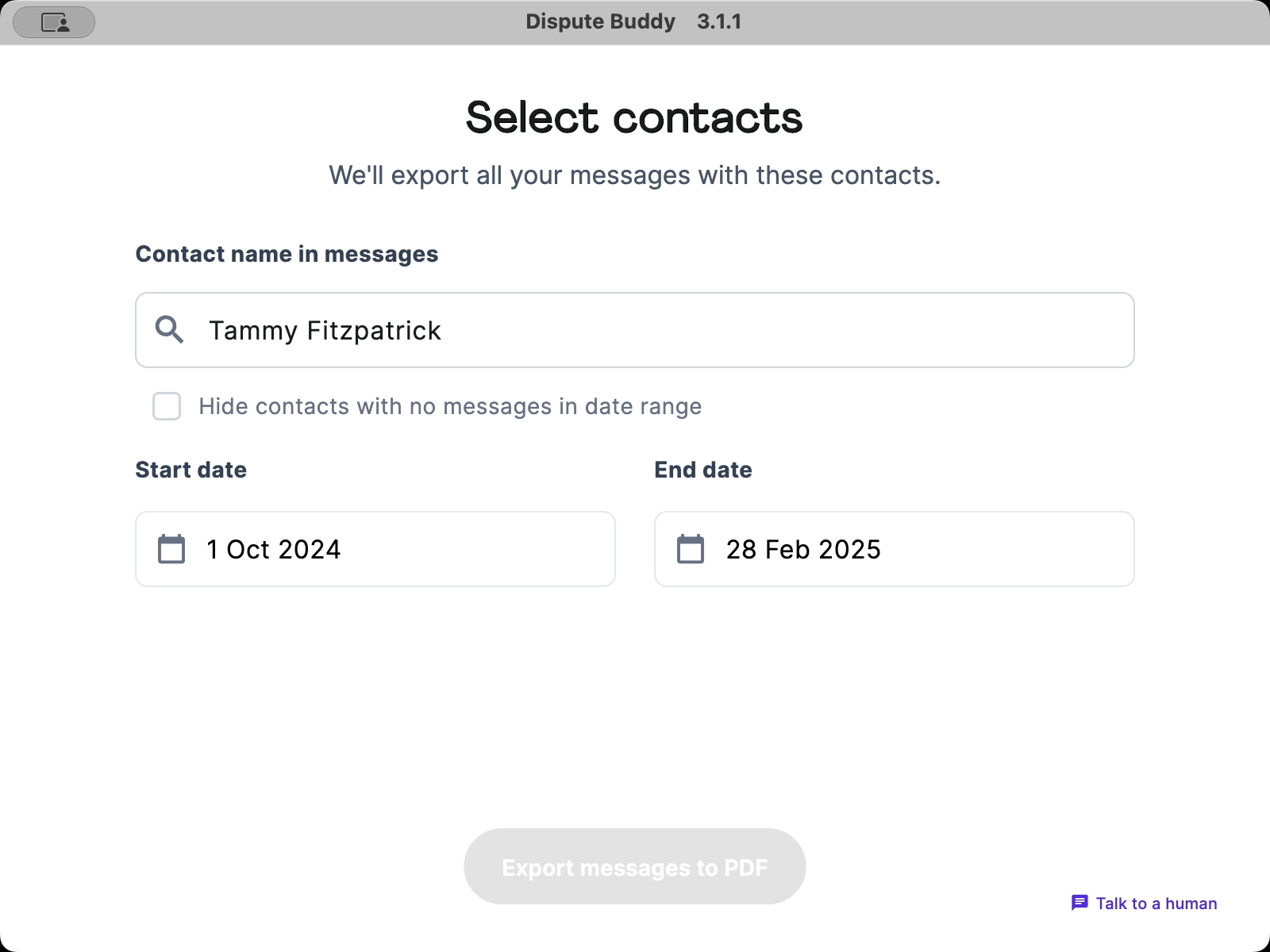
The contacts dropdown only appears after the search has fully completed.
If you entered a name and date range and only saw a time estimate, the search hasn't run yet. After the search completes, you'll get a dropdown of your contacts.
1. Close the app (note: this will delete your current search).
2. Relaunch the Dispute Buddy app.
3. Run the search again. After the search completes, return to the Select contacts screen. You should now see the dropdown and be able to select your contacts.
If you need more help: Send us a WhatsApp: +61 468 852 935
Email us: hello@disputebuddy.co
Connect on LiveChat: here