

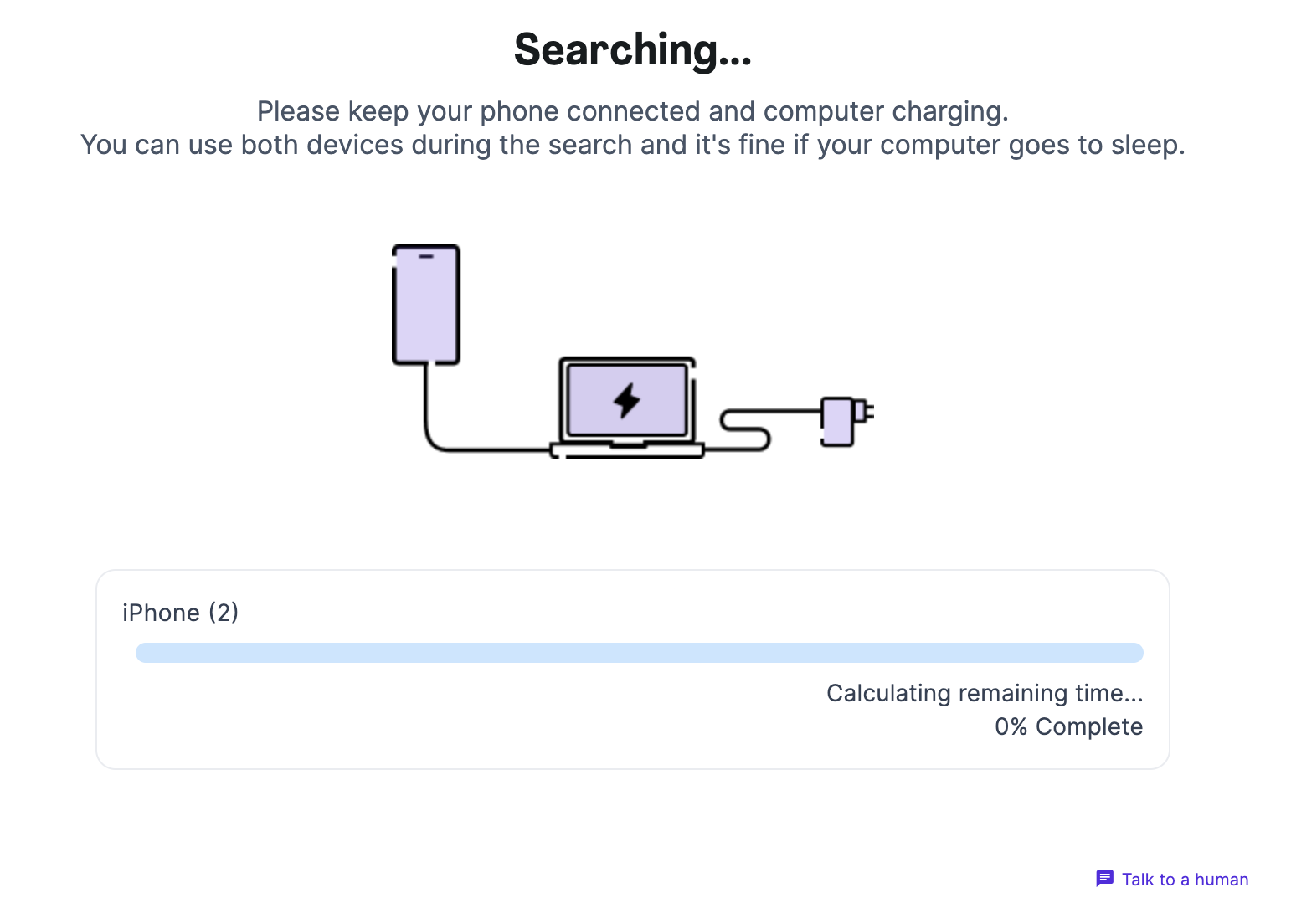
You are on the search screen and it‘s been stuck on 0% for a while. Try these troubleshooting steps:
1. Unlock your iPhone. If prompted, enter your passcode to Trust This Computer
2. Keep your iPhone connected to the computer, and your computer connected to power. This keeps the process stable.
3. Restart your phone - honestly - this solves 50% of issues :)
4. Check for software updates on your iPhone: Settings > General > Software update
5. Restart your Mac. If it won’t close, go to Apple menu > Force Quit and close Dispute Buddy from there
6. Leave your iPhone and Mac connected and charging. It’s normal for the first few percent to take longer, then jump ahead. Give it up to 10 mins.
If you need more help: Send us a WhatsApp: +61 468 852 935
Email us: hello@disputebuddy.co
Connect on LiveChat: here