

This is where we extract the text and WhatsApp messages on your phone
We can’t see or read anything on your phone. Nothing at all.
Everything’s on your desktop. No one at Dispute Buddy can see anything in your phone. We’ve built it like that on purpose, because your data is YOUR data.
What’s happening in the background is that the iPhone’s running a backup to your desktop (or hard drive if you’ve plugged one in).
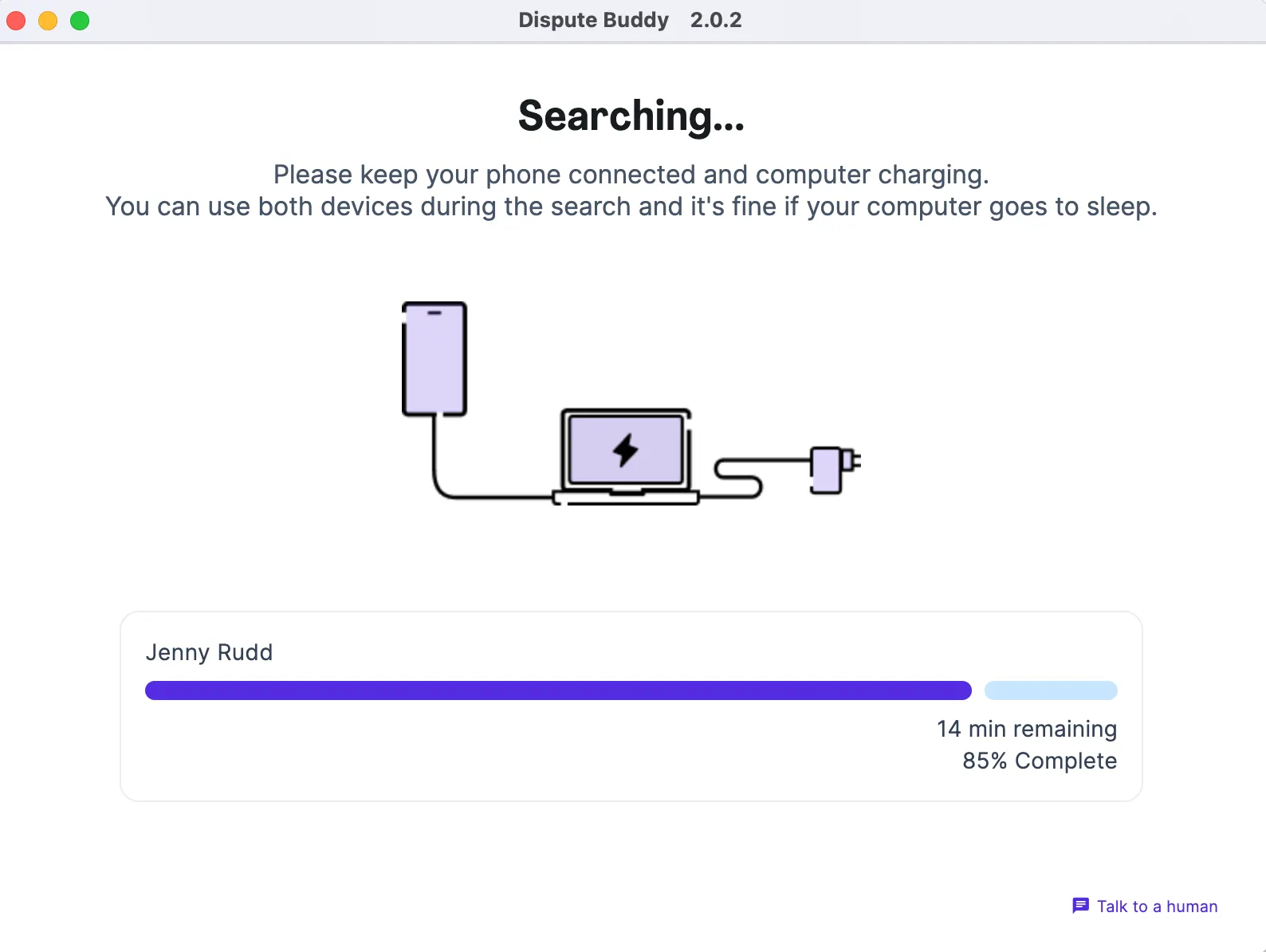
It usually takes 20 mins, but can be up to 1.5 hours, it depends on things like
How many messages you have
How much storage you are using on your iPhone and desktop
The model of your phone and the software version on your computer
If you disconnect your phone or your phone or laptop runs out of power
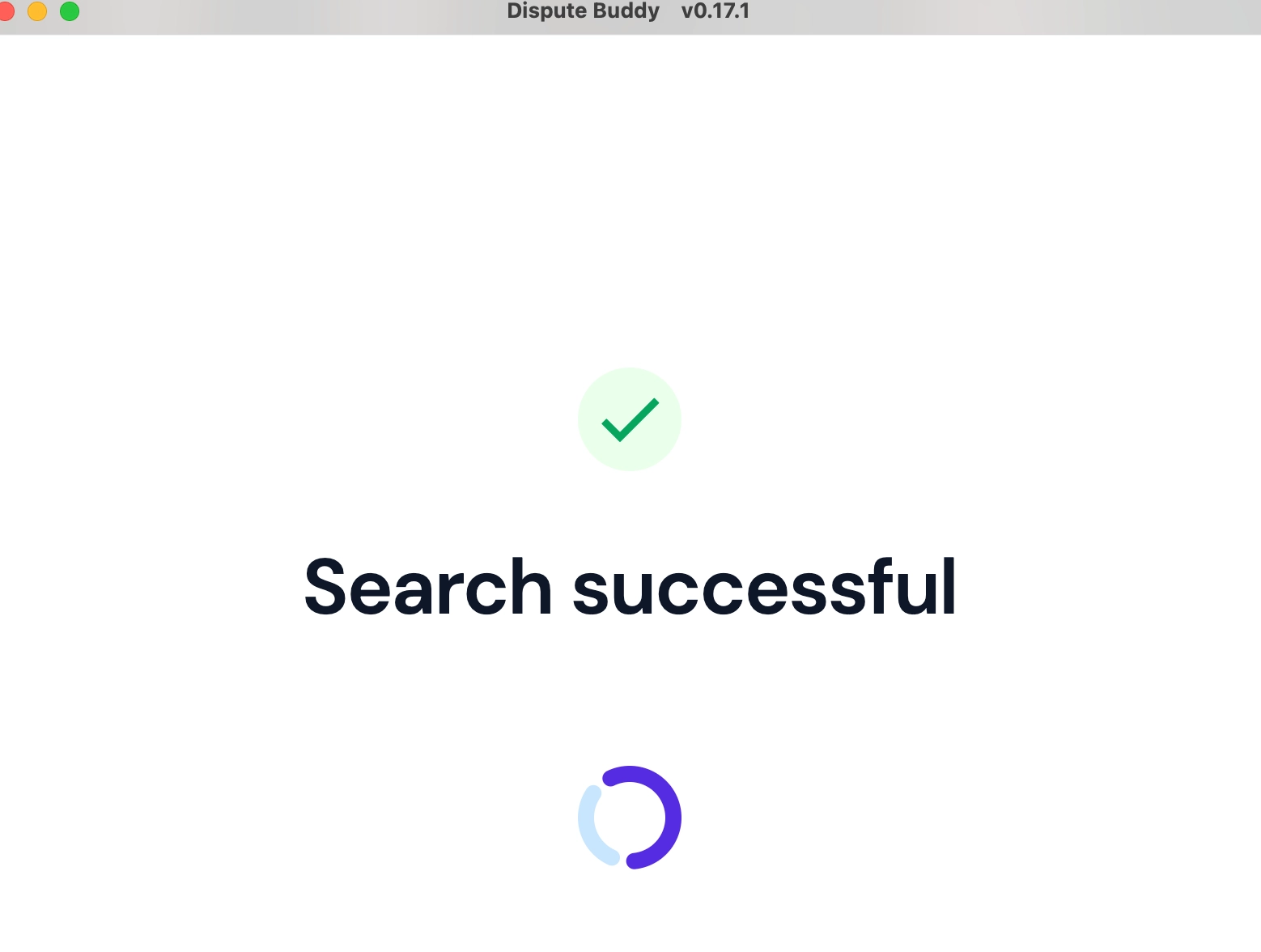
Once we start looking for messages, you’ll see this screen, which estimates how long you have left. Generally speaking, it takes much less time than the estimates it makes at the beginning of the search.
If you need more help: Send us a WhatsApp: +61 468 852 935
Email us: hello@disputebuddy.co
Connect on LiveChat: here