

Go to disputebuddy.co
Click Get App
You’ll be directed to a payment page
Enter your payment details, or discount code if you have one
Once your payment’s been accepted, the app will automatically download
Mac users
Windows users
Open the disputebuddy.exe from the downloads folder
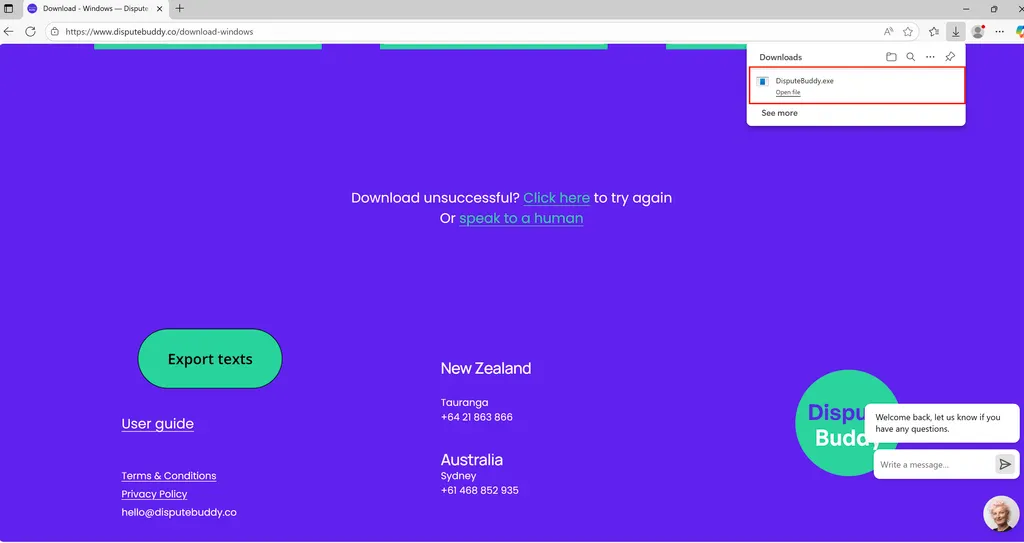
Open disputebuddy.exe
Follow instructions to launch the Dispute Buddy app
If you need more help: Send us a WhatsApp: +61 468 852 935
Email us: hello@disputebuddy.co
Connect on LiveChat: here