Have you ever tried to screenshot a long conversation? It takes FOREVER. Attorneys, lawyers, police and courts like neat, timestamped documents. We review the best apps for turning the chaos of years of messages into clarity. And when you hand that PDF of messages to your lawyer, you'll feel in control.

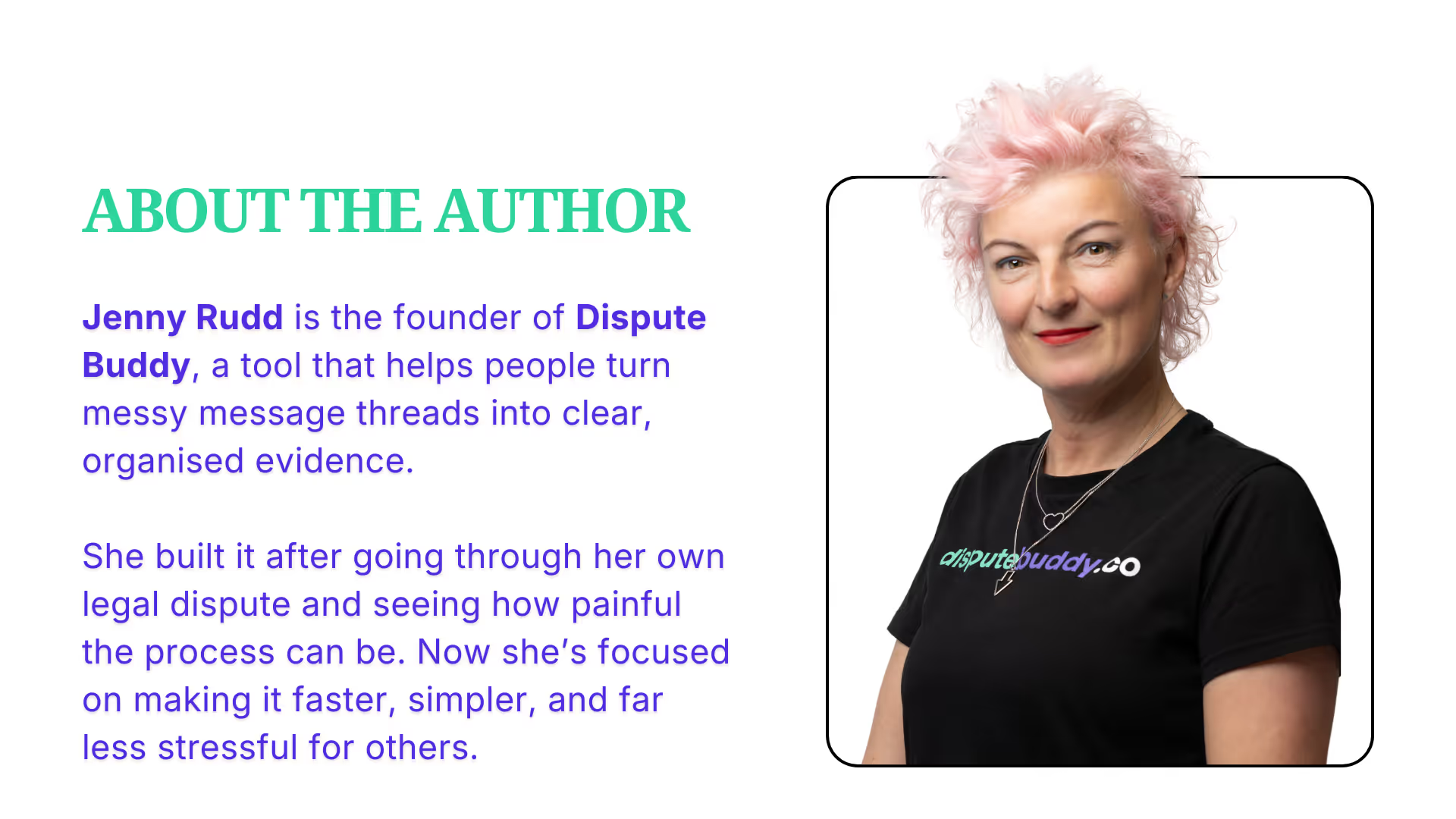
Hi, I'm Jenny, the founder of Duspute Buddy.
I've been there. When my lawyer said - send me the relevant texts - I was terrified! How would I know what relevance looked like to an attorney or a lawyer or a judge?
My brain kicked into overdrive.
Which ones matter? How do I get them off my phone? Will screenshots even work? Are you allowed screenshots in court?
It might be your mediator, a dispute resolution service, a suggestion from a concerned friend to collect them all together, but it feels pretty overwhelming.
You really do need the right tool. One that is completely private, exports everything properly, keeps dates and timestamps intact, and doesn't make you relive every painful conversation.
Because re-reading painful messages makes you feel awful. And you need to feel like you've got this.
I've researched the best apps for downloading messages as legal evidence, and here's what actually works.
Your evidence needs three things to hold up:
Legal experts confirm that authentication is important - the way you share them with court or an attorney really matters.
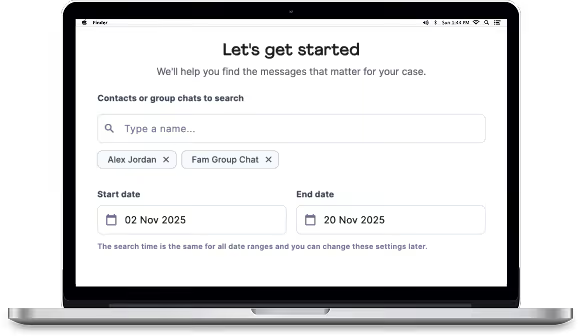
1. Dispute Buddy - Built specifically for legal cases like family court by someone who's been through the process. Dispute Buddy exports texts and WhatApps AND analyzes them for patterns of abuse or control. It keeps your info completely private, and saves you the pain of reliving memories. Works on iPhone only (Android coming soon). Friendly customer service (with real people!) to support you through the download. Simple screens, easy-to-follow instructions. One-time payment, lifetime use.
2. Decipher TextMessage - Creates clean PDFs with all metadata, but doesn't pick out the relevant ones for your case. One-time purchase. iPhone only.
3. iMazing - Does a full device backup. Full metadata, no message analysis.
4. SMS Backup & Restore (Android) - Free option that gets the job done for Android users. Exports to PDF or cloud storage but lacks analysis and lawyer-ready formatting.
5. Droid Transfer - Android to PC made simple. Includes customer support.
6. TouchCopy - Works for both iPhone and Android. Premium version required for full features.
7. Tansee iDevice Message Transfer - Fast backup without needing your entire phone. Works on Mac and Windows. More expensive option.
8. PhoneView (Mac only) - Archives everything: messages, voicemails, call history. Good if you're on Mac.
9. Google Takeout - Free but clunky. Exports raw data that needs cleaning up. Better than nothing.
10. MobileTrans - By Wondershare. Exports to PDF, TXT, or HTML. Good for maintaining a chain of evidence integrity.
Screenshots aren't enough for large conversations. They take forever, they're easy to question in court, and you'll miss important context.
According to legal tech research, professional extraction tools create defensible evidence that's far more credible than manual methods.
The right app turns chaos into clarity. You'll see patterns you missed. You'll feel more in control.
And when you hand that PDF to your lawyer, you'll know you did it right.